This section explains how to handle signup, login, and password recovery for your BerryDesk account.
Signup
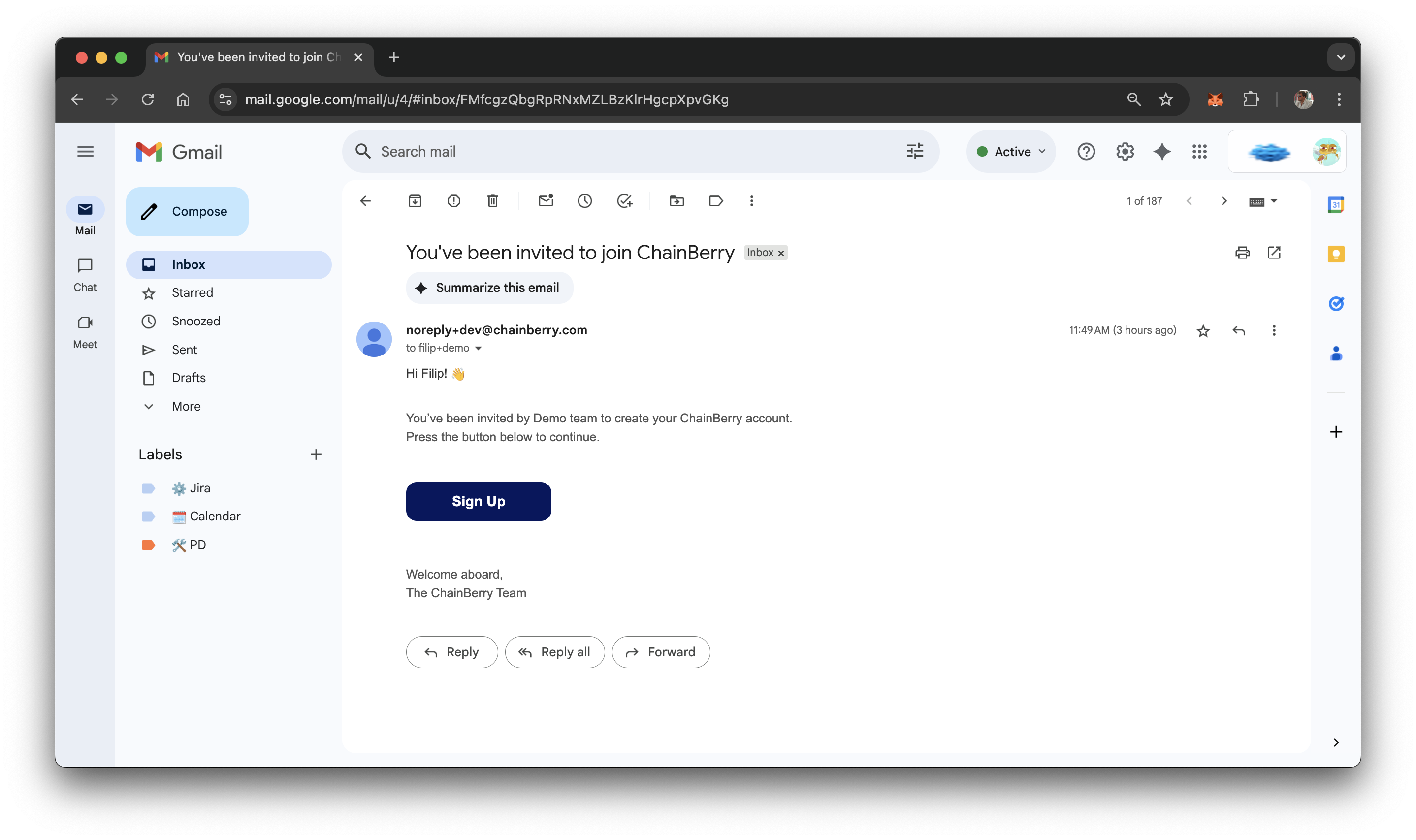
- Click the button in the invitation email
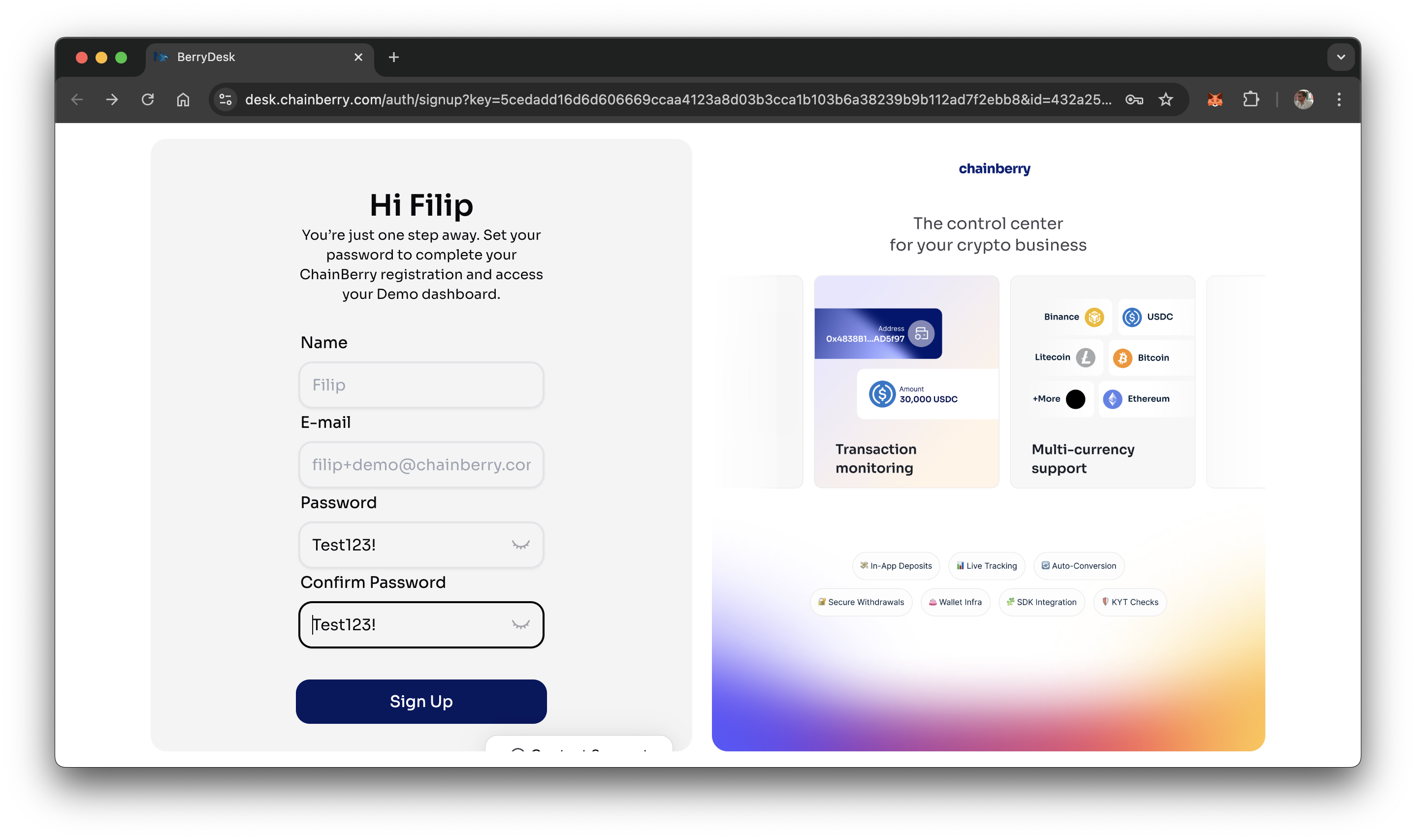
- Set password
- Password needs to have:
- 1 lowercase letter
- 1 uppercase letter
- 1 number
- 1 symbol
- 8+ characters
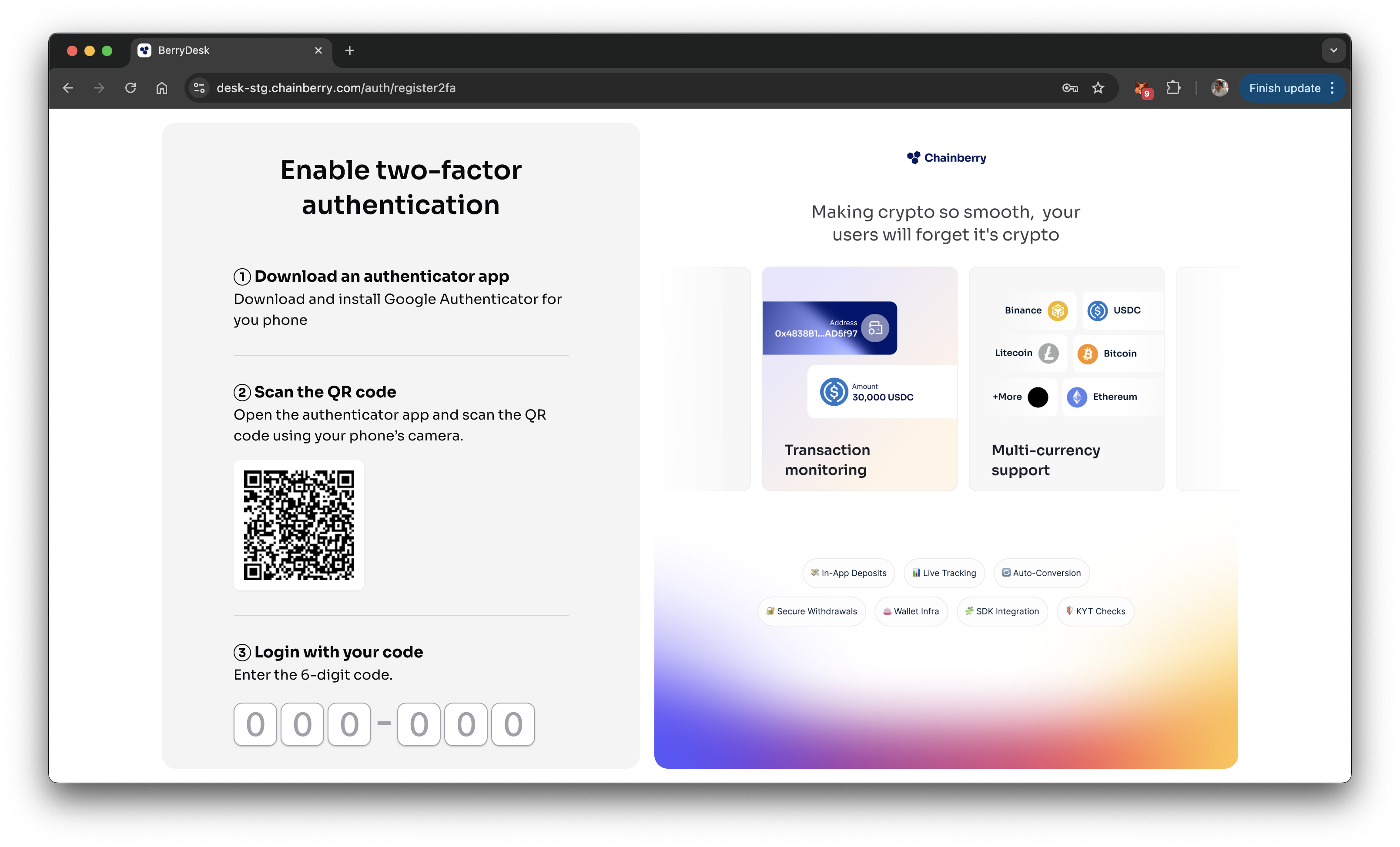
- Scan the 2FA QR using Google Auth app and enter the code
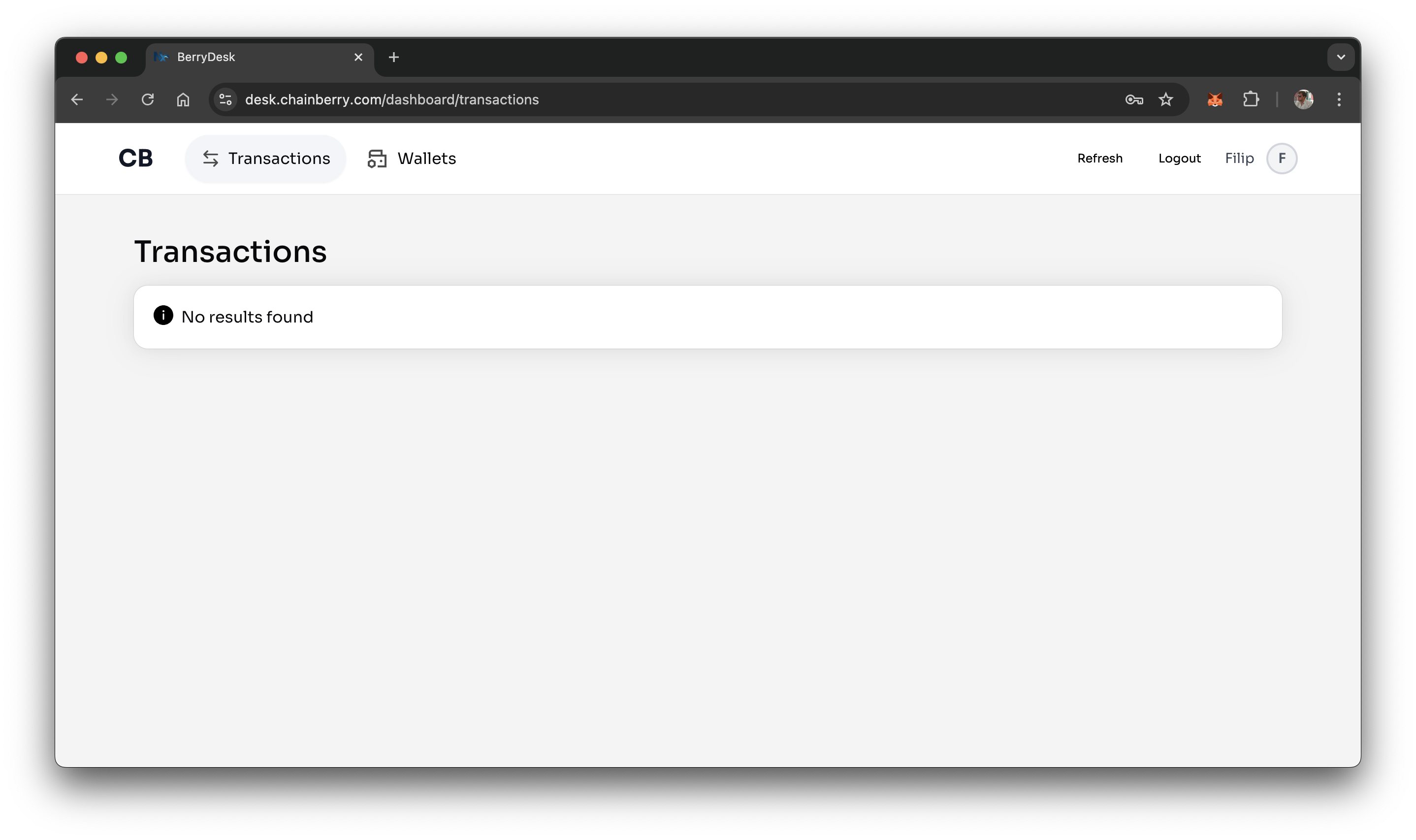
- You are in!
Login
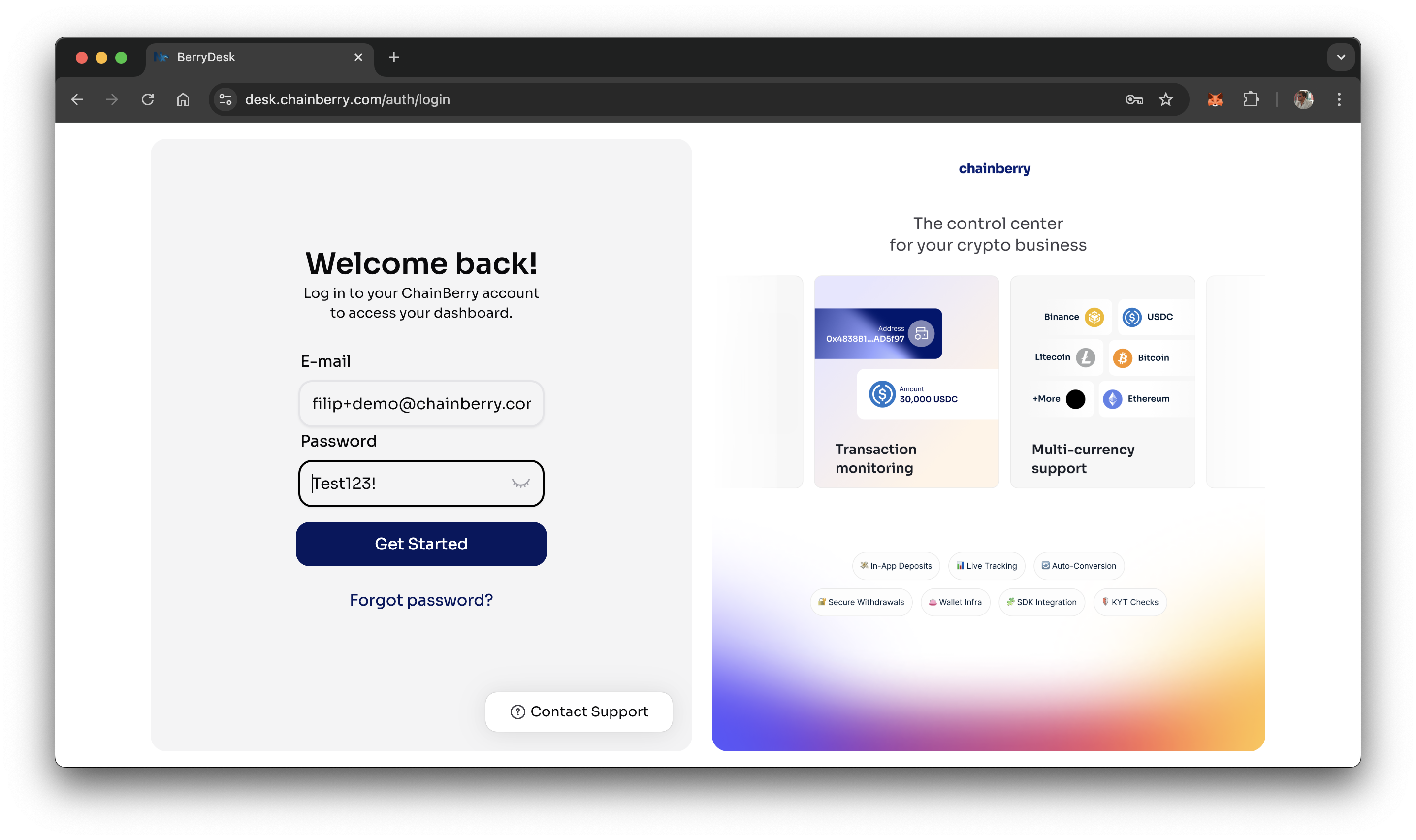
- Enter email/password
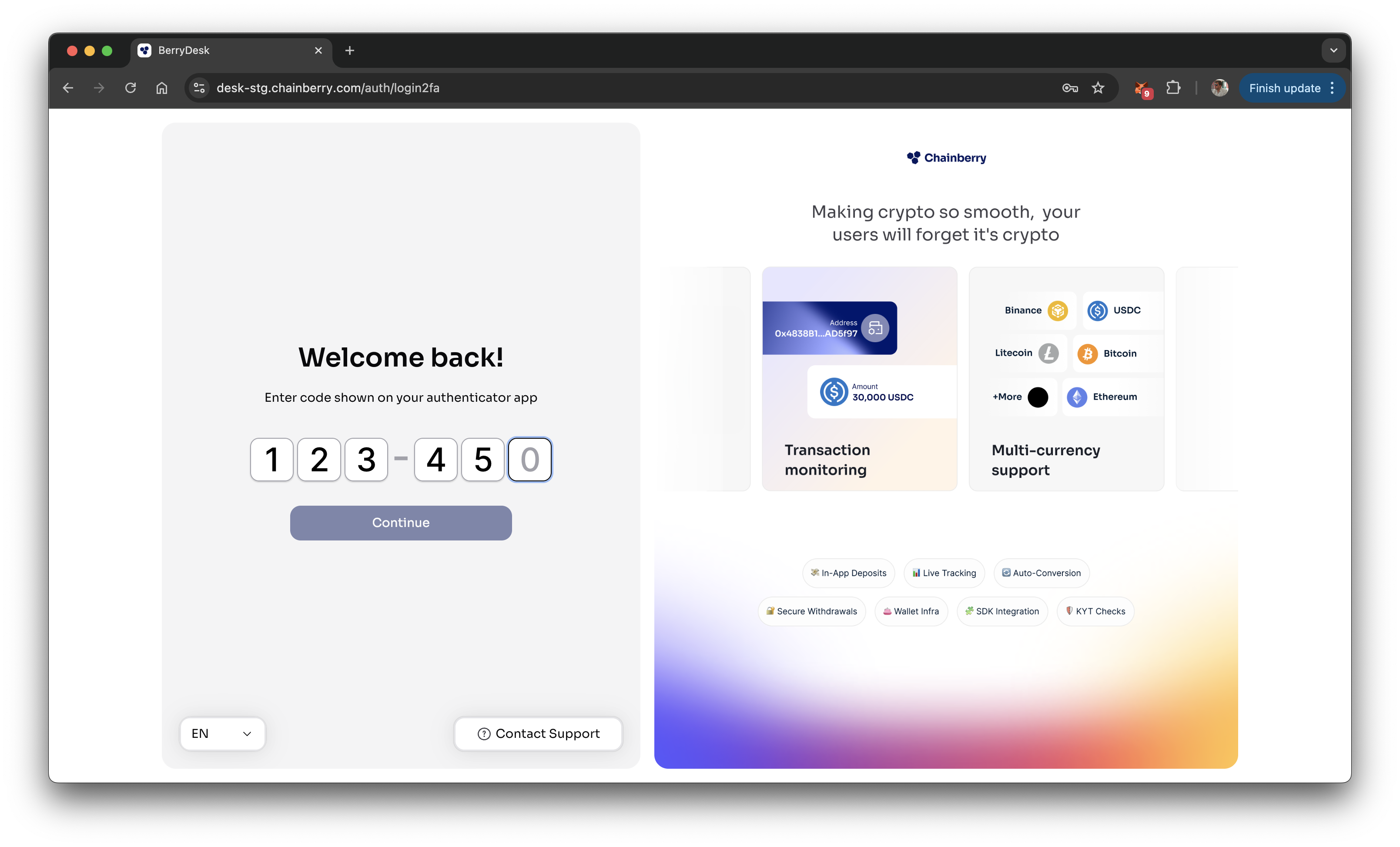
- Enter 2FA
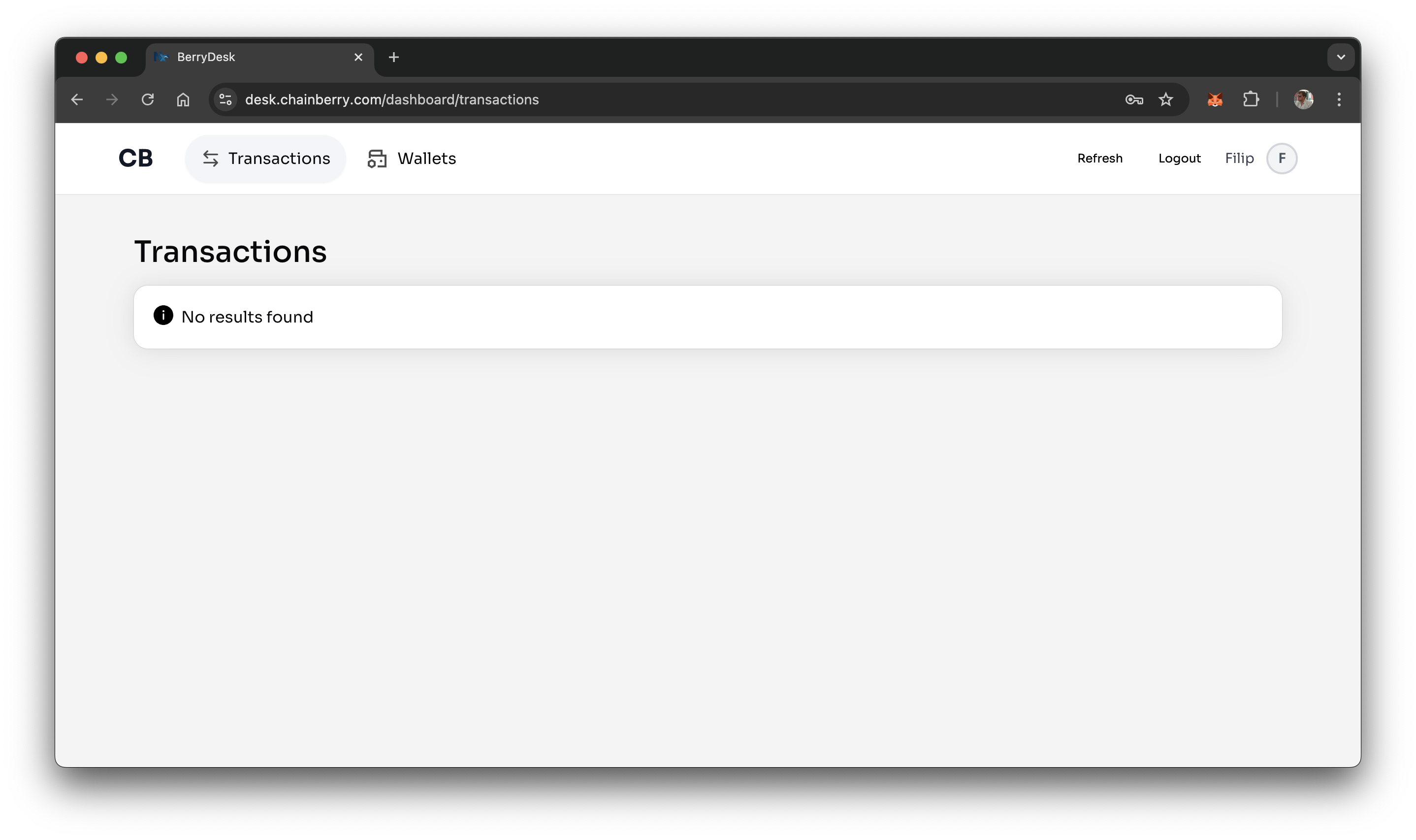
- You are in!
Forgotten Password
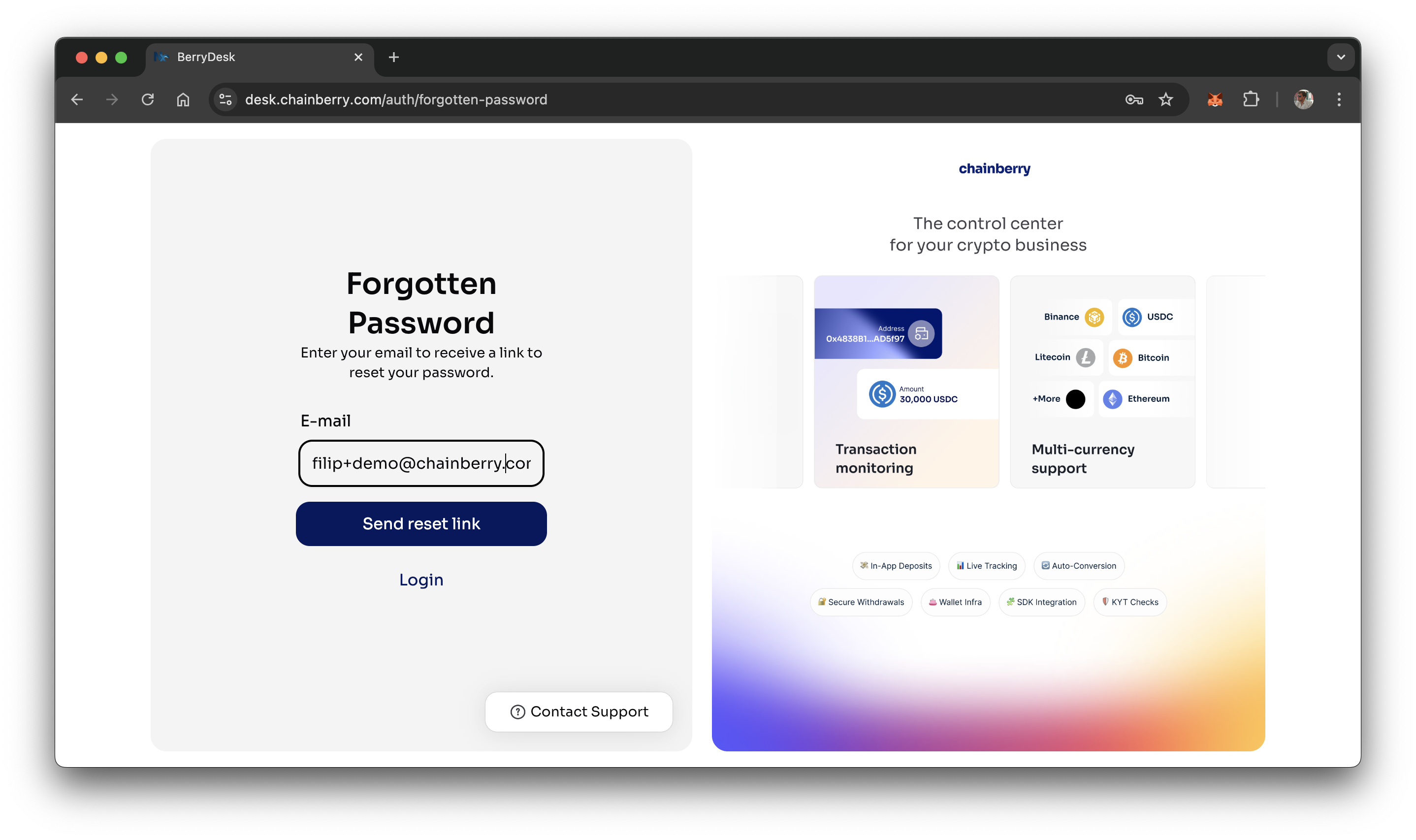
- Enter email
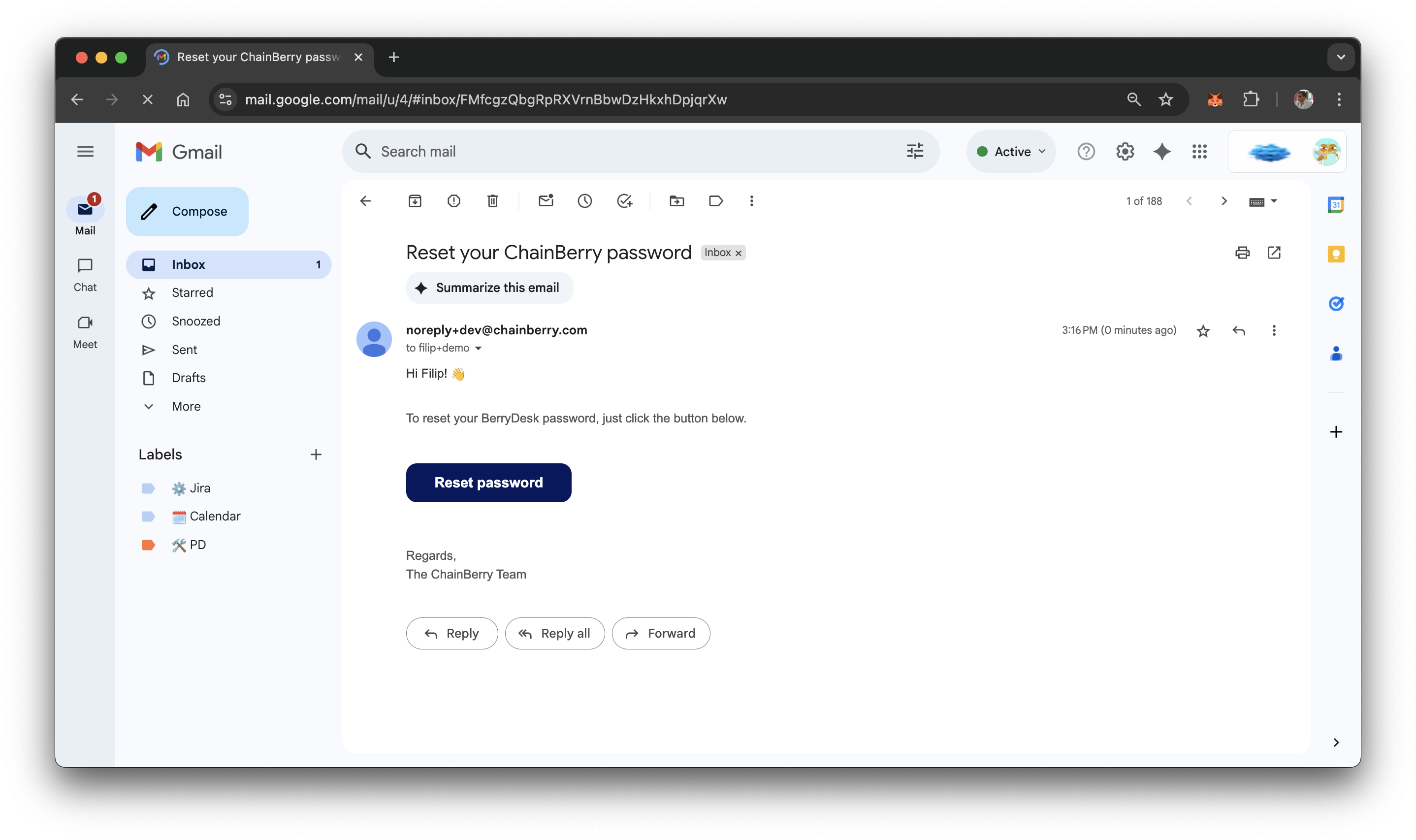
- Click the button in the Reset Password email
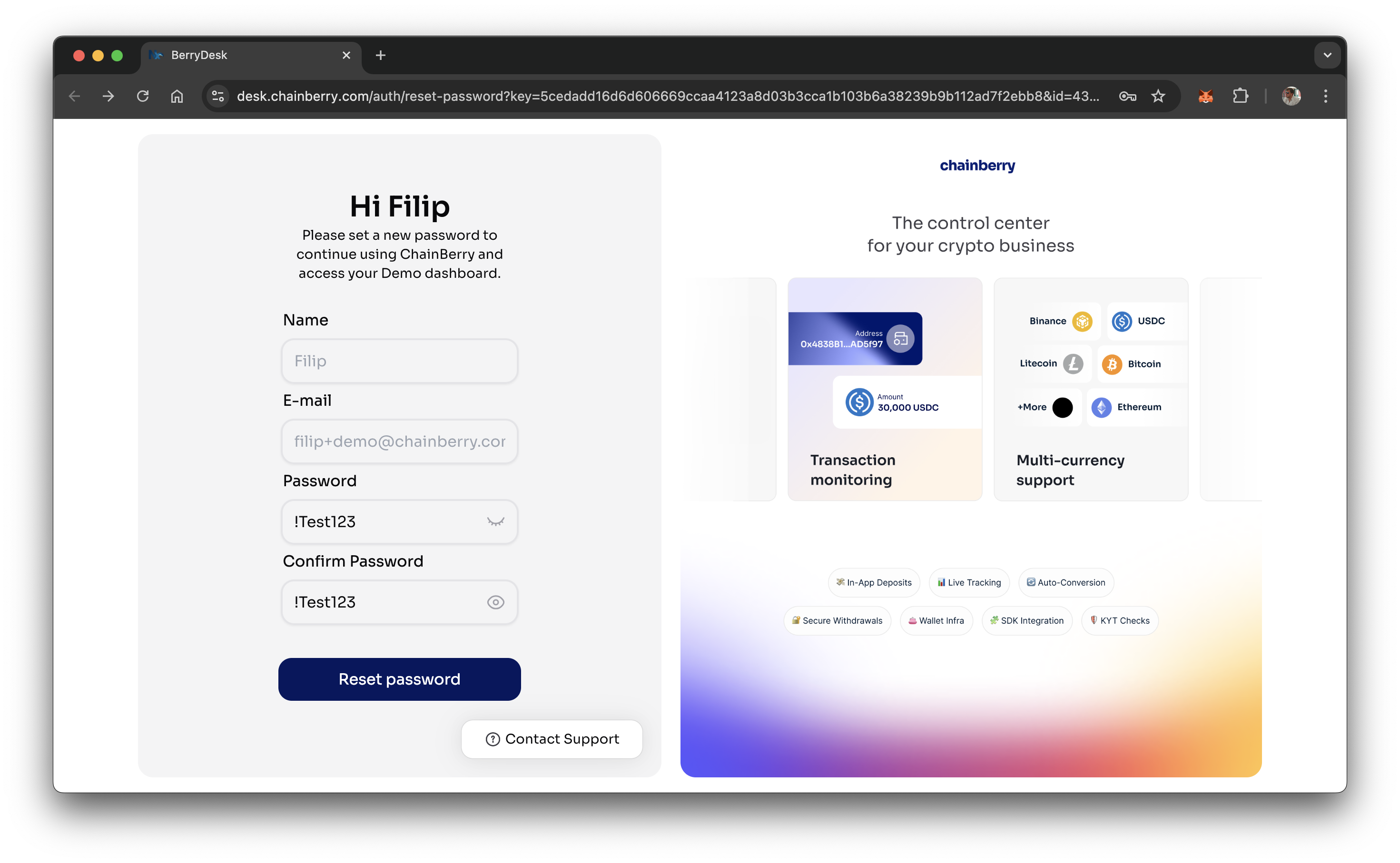
- Set a new password
- Password needs to have:
- 1 lowercase letter
- 1 uppercase letter
- 1 number
- 1 symbol
- 8+ characters
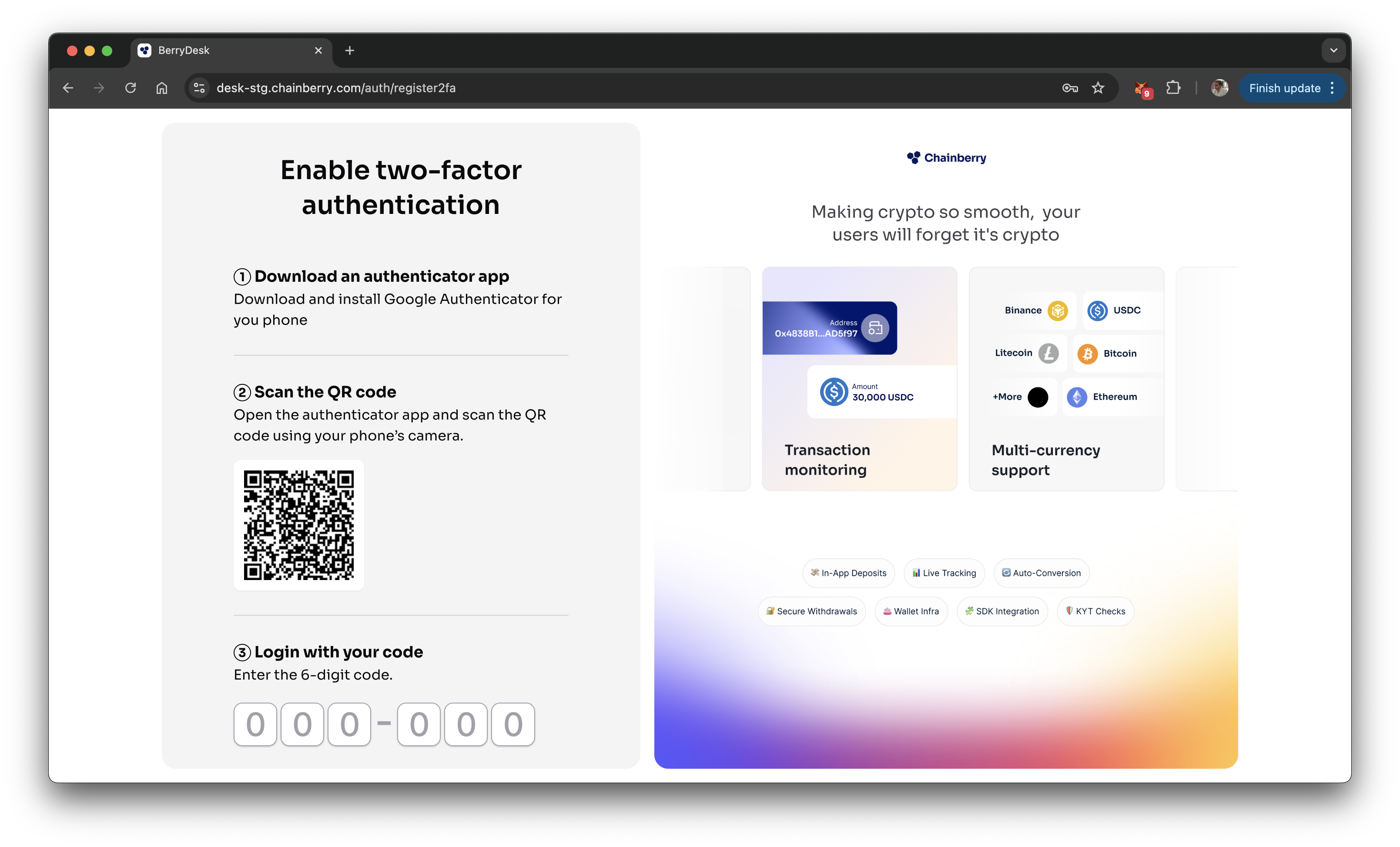
- Scan the 2FA QR using Google Auth app and enter the code
- You are in!
Errors
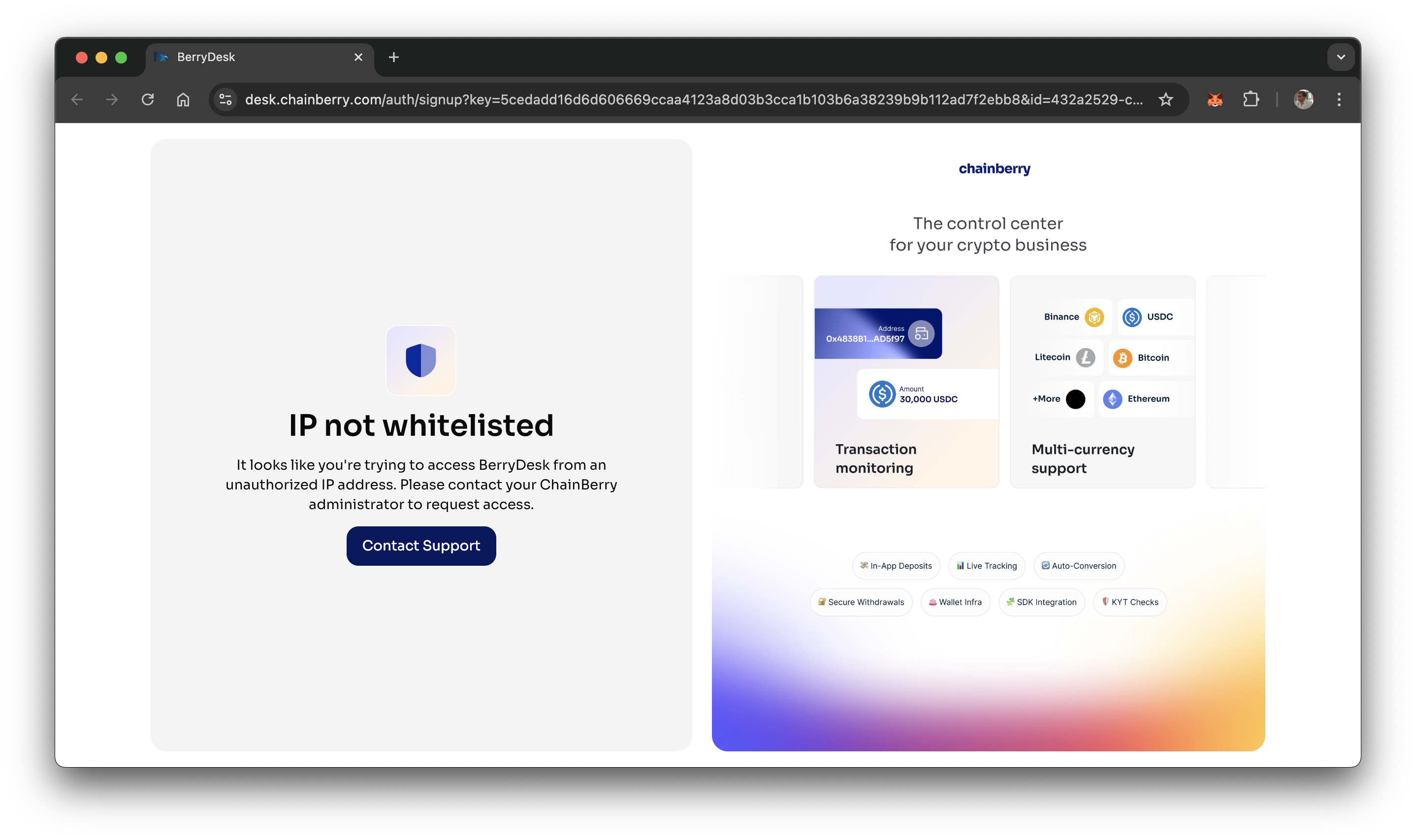
- IP not whitelisted
Access to BerryDesk is not allowed from your current IP address. Please contact your internal tech team or reach out to ChainBerry support at support@chainberry.com